Spare Notes
Stop taking notes by hand. Focus on class.
Turn class recordings and course materials into one complete, illustrated notebook.

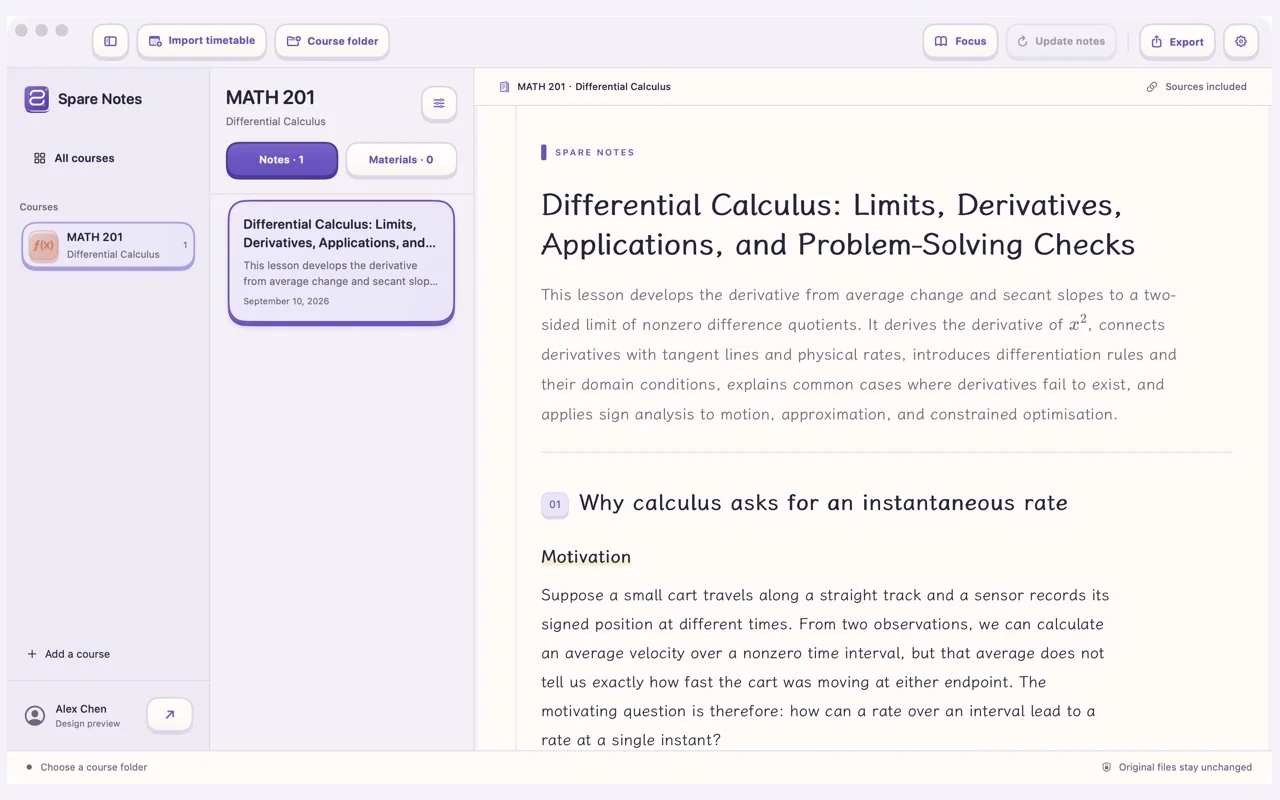
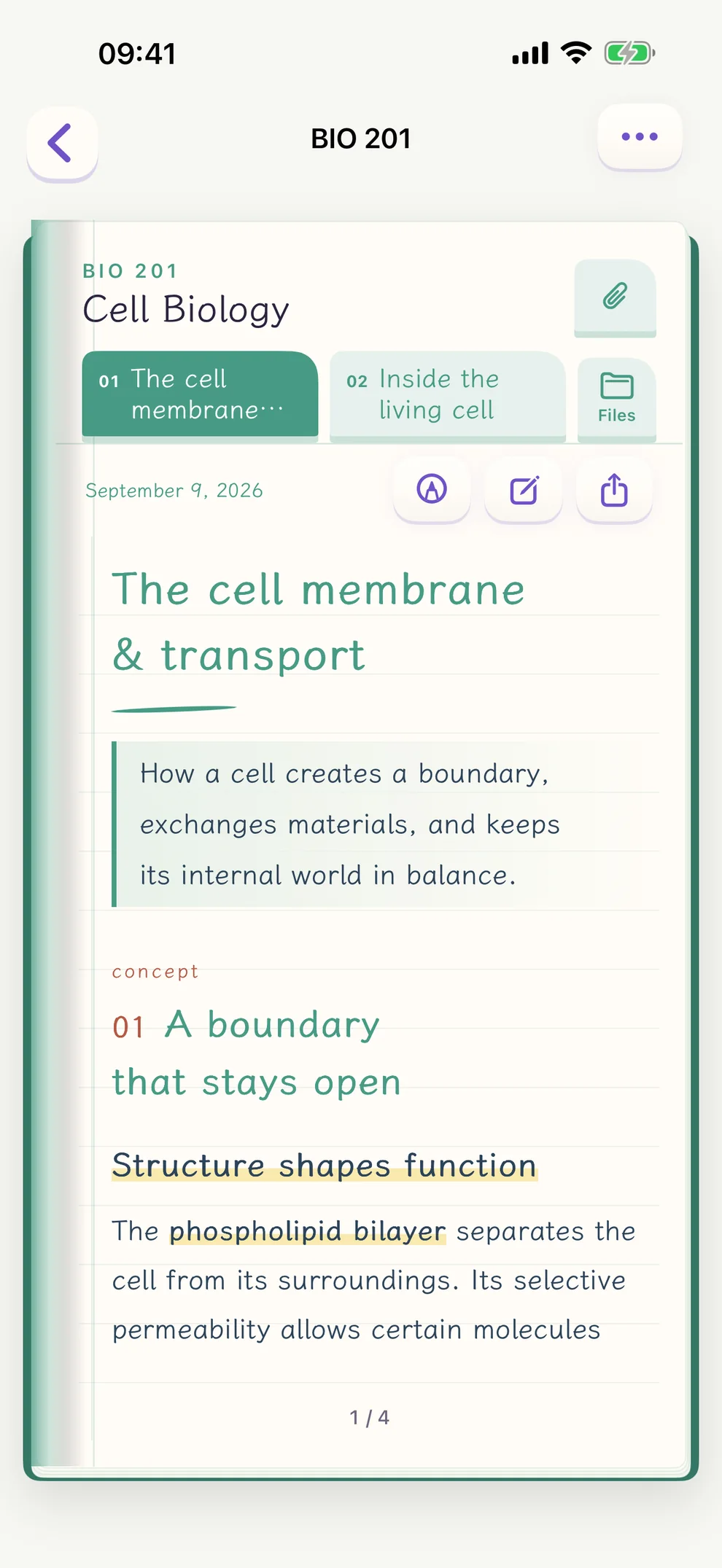
You listen. Spare takes the notes.
Explanations, formulas, derivations and worked examples, in the order they were taught — with a diagram wherever one helps.
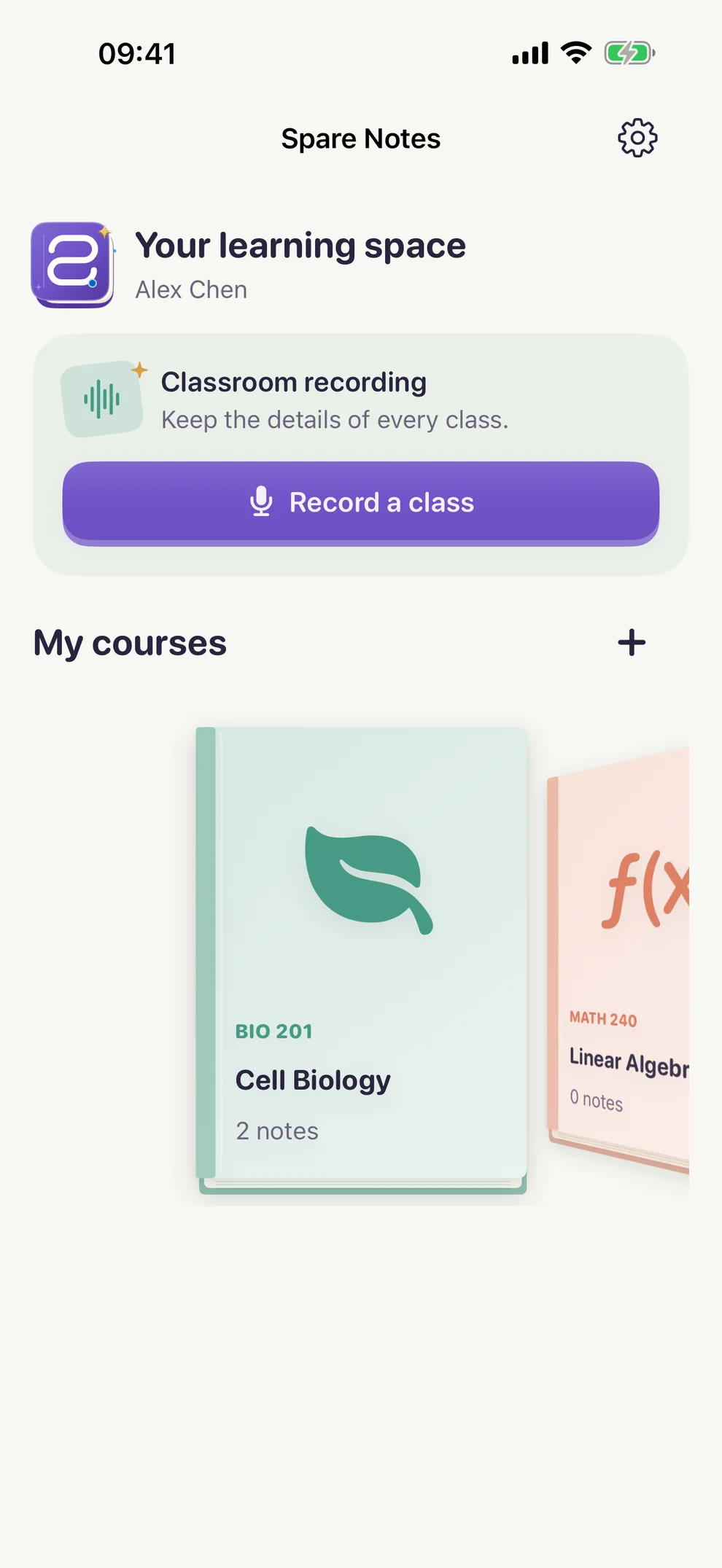
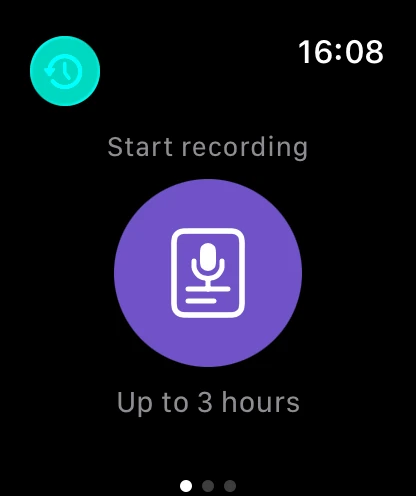
Record
One tap keeps the whole class.
Record right in the app or import a recording you already have. Transcription happens on your device; the original audio stays there.
Pause and resume
Interrupted recordings recover, and long classes are saved in pieces.
On-device transcription
Apple speech recognition in English, French, Chinese, Spanish, German and Japanese.
Reminders before class
A nudge to start recording five minutes before each class on your timetable.
On your Lock Screen
While recording on iPhone, progress shows on the Lock Screen and in the Dynamic Island.
Diagrams
See what you’re learning.
When a picture explains it better, your notes include one. Tap to enlarge and inspect every detail.
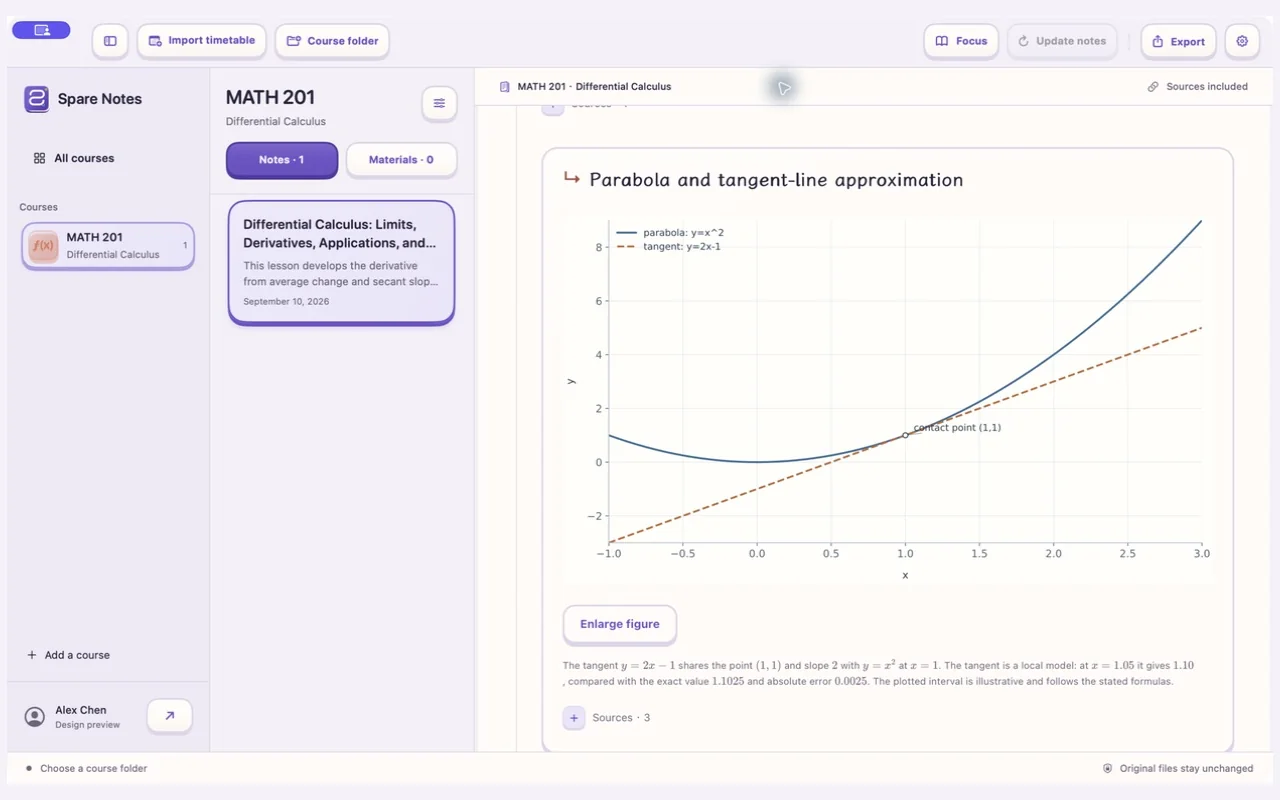
- Function graphs
- Force diagrams
- Circuits
- Concept maps
- Flowcharts
- Comparison tables
Worked examples
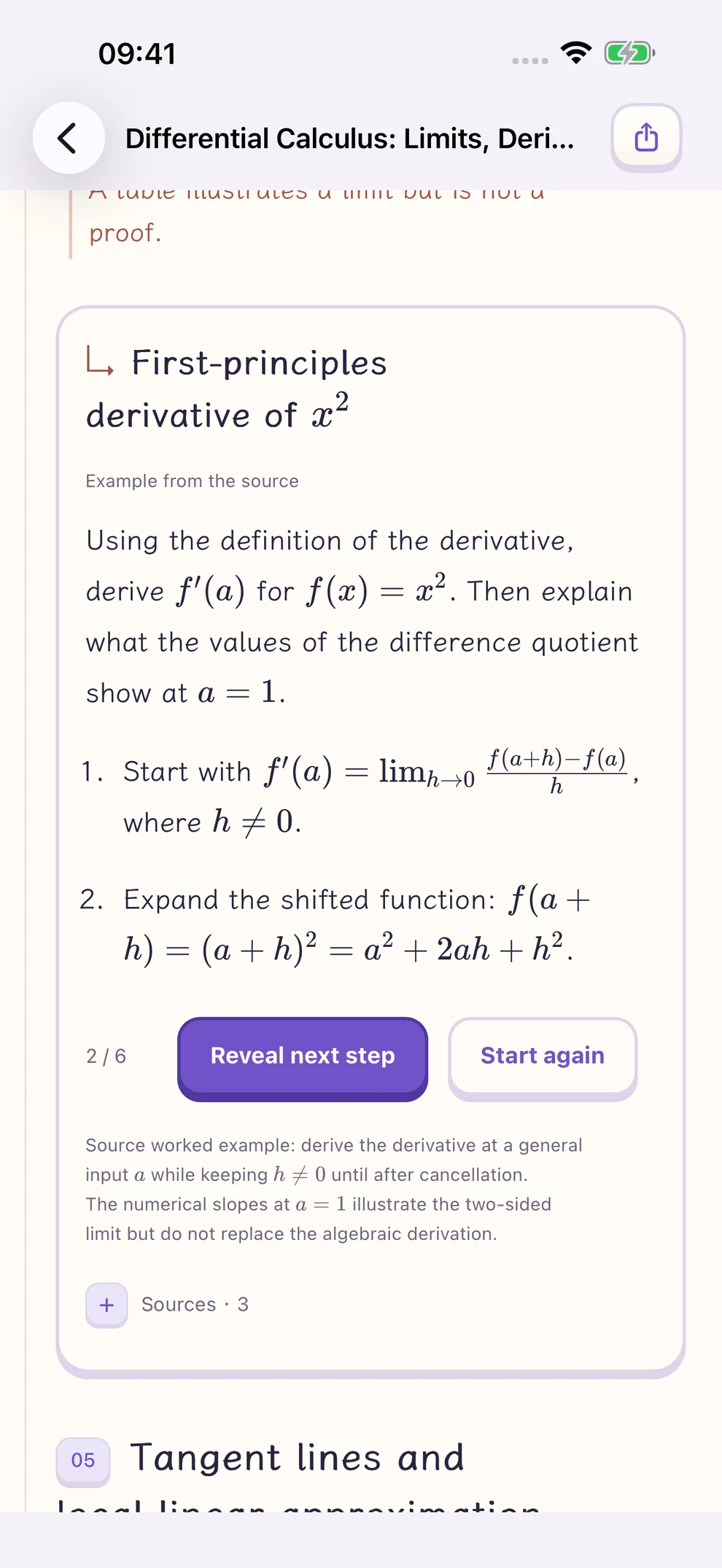
Work it out, one step at a time.
Examples and derivations unfold step by step. Think first, then tap Reveal next step — the answer comes last.
Courses
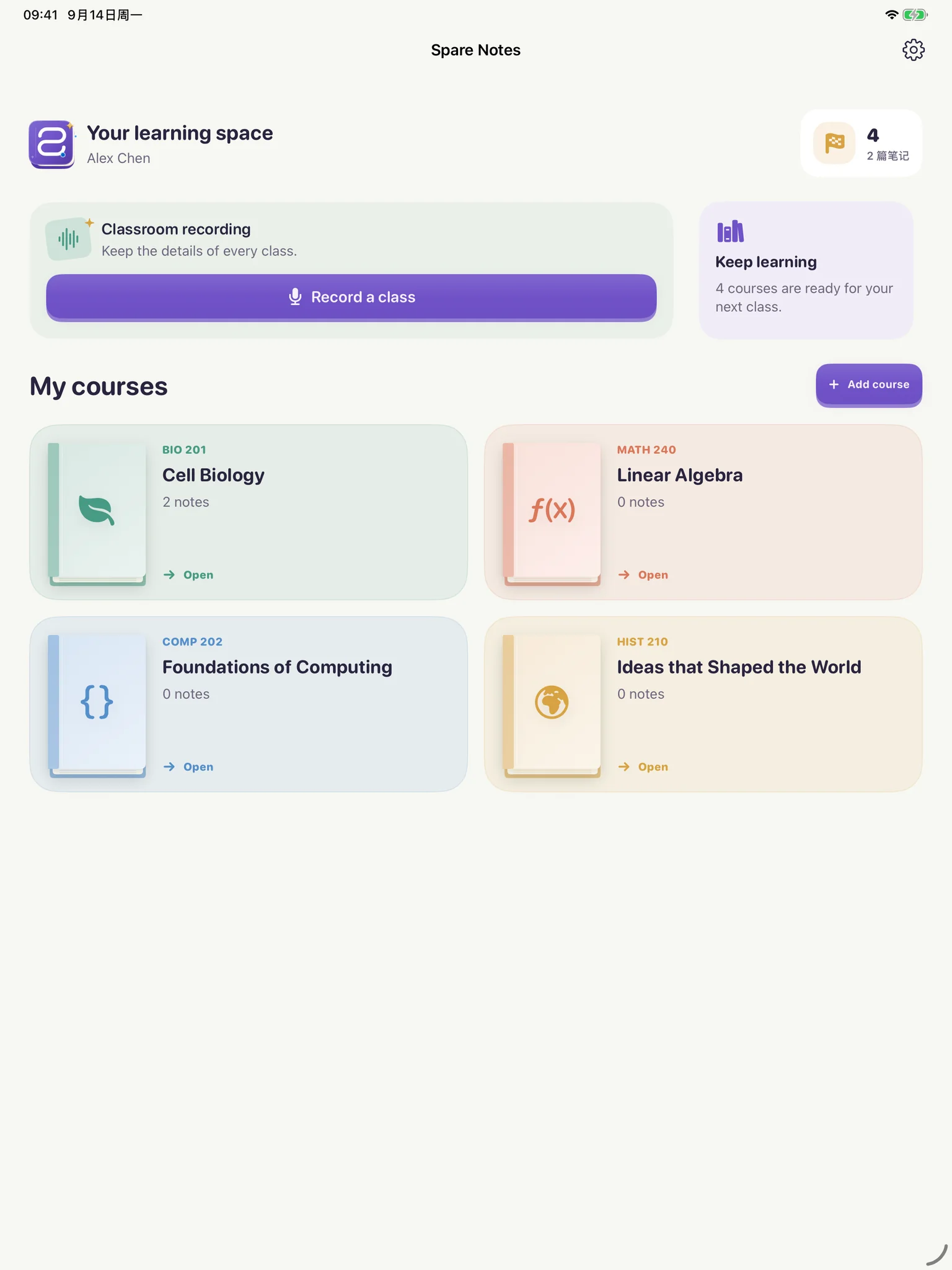
Import your timetable. Everything finds its course.
A screenshot, a PDF or a calendar file. Spare reads your courses and uses them to tell which class each recording, slide deck and reading belongs to.
- 1
Import a timetable
Screenshots, photos, PDFs and calendar files. You review it before it’s saved.
- 2
Add your materials
PDFs, images, Word, PowerPoint, audio and video. Keep your filenames; originals stay where they are.
- 3
Sorted for you
Matched by content and class time. When it isn’t sure, it asks you first instead of guessing.
Sources
Every point leads back to its source.
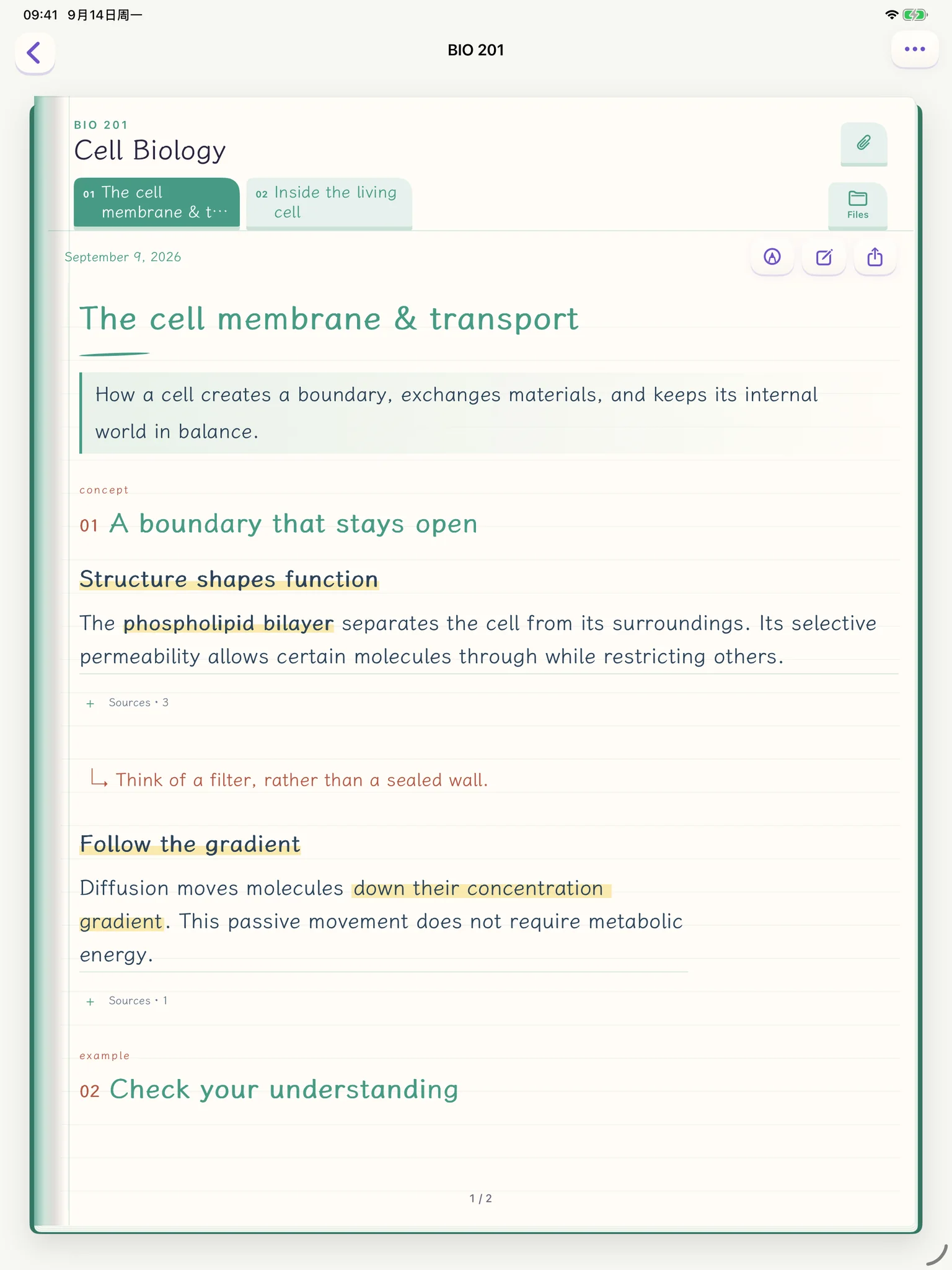
Key points cite where they came from — which page of which slides, which minute of the recording — so you can check as you study.
Read offline
Saved notes open without a connection.
Export a copy
Offline HTML, Markdown and editable diagrams.
Any subject
Maths, physics, biology, computing, engineering, business and the humanities — explained to fit your material.
Every device
At home on every device.
One subscription works on Mac, iPhone and iPad. Each device keeps its own note library.
Mac
Connect a course folder and new materials are picked up. Import recordings from Voice Memos, too.
iPadComing soon
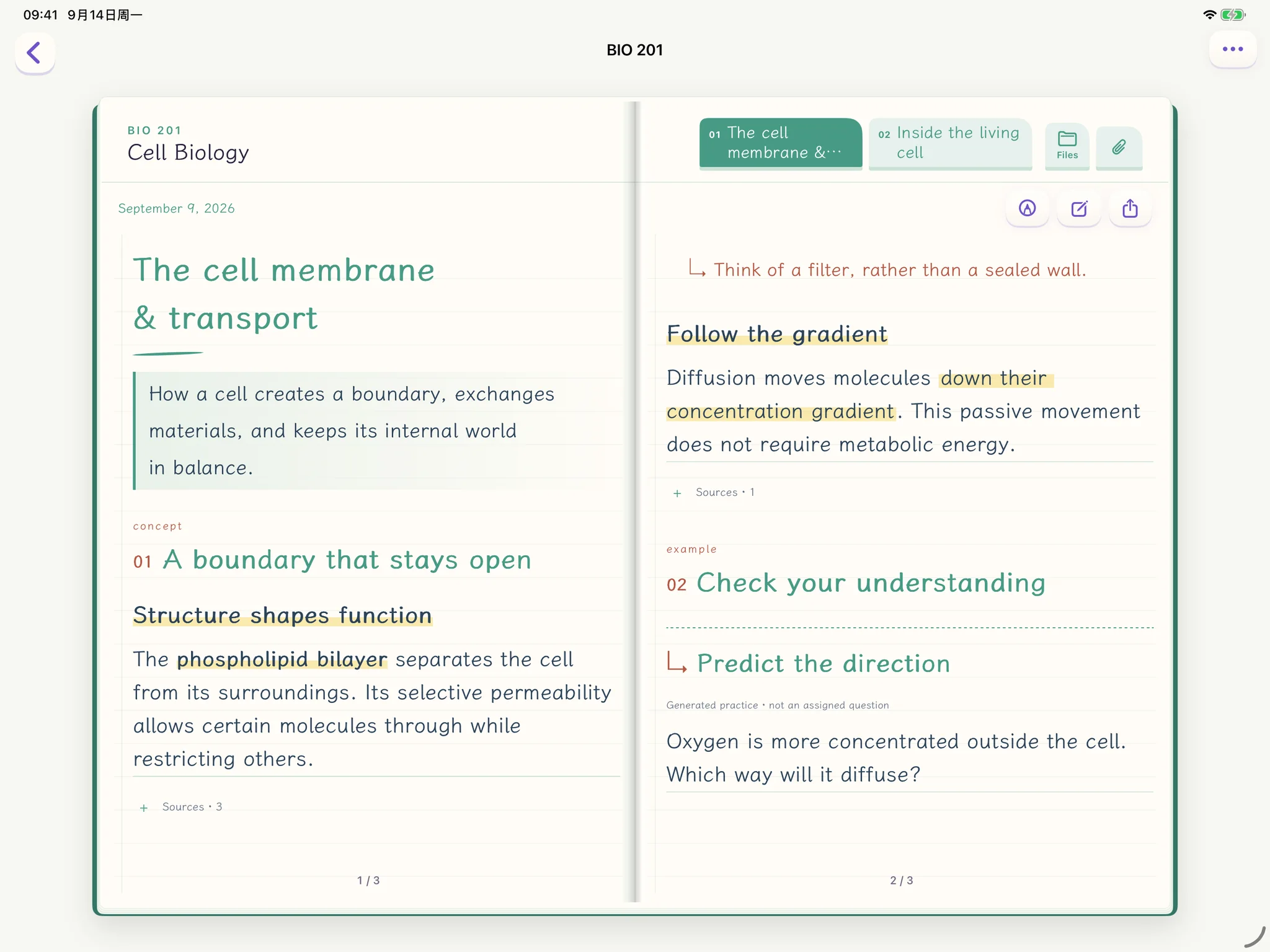
Read your notes like a book, two pages side by side. Write and sketch on the page with Apple Pencil.
iPhoneComing soon
Your courses sit on a bookshelf. Start recording in a tap, and read between classes.
Apple WatchComing soon
Record from your wrist. Recordings move to iPhone and land in the right course by class time.
Privacy
Your materials stay with you.
Originals stay on device
Original files and audio stay on your device.
Asks first
Extracted text is sent to Spare and its AI service only after you allow it. You can withdraw anytime.
No account needed to try
Guest mode works locally and uploads nothing.
Pricing
Start free. Upgrade when you need more.
Free
No subscription needed
1 active notebook
Go
US$6.99/month
Up to 3 active notebooks
Pro
US$13.99/month
Unlimited active notebooks, note editing and full-course export
US prices shown; prices vary by region and the App Store shows yours before purchase. A Spare account is required for online note processing.
Get Spare Notes
Free to download. Available now on the Mac App Store.
- Mac
- macOS 26 or later
- iPhone and iPad
- iOS 17 or later · Coming soon
Need help? support@spare.cool